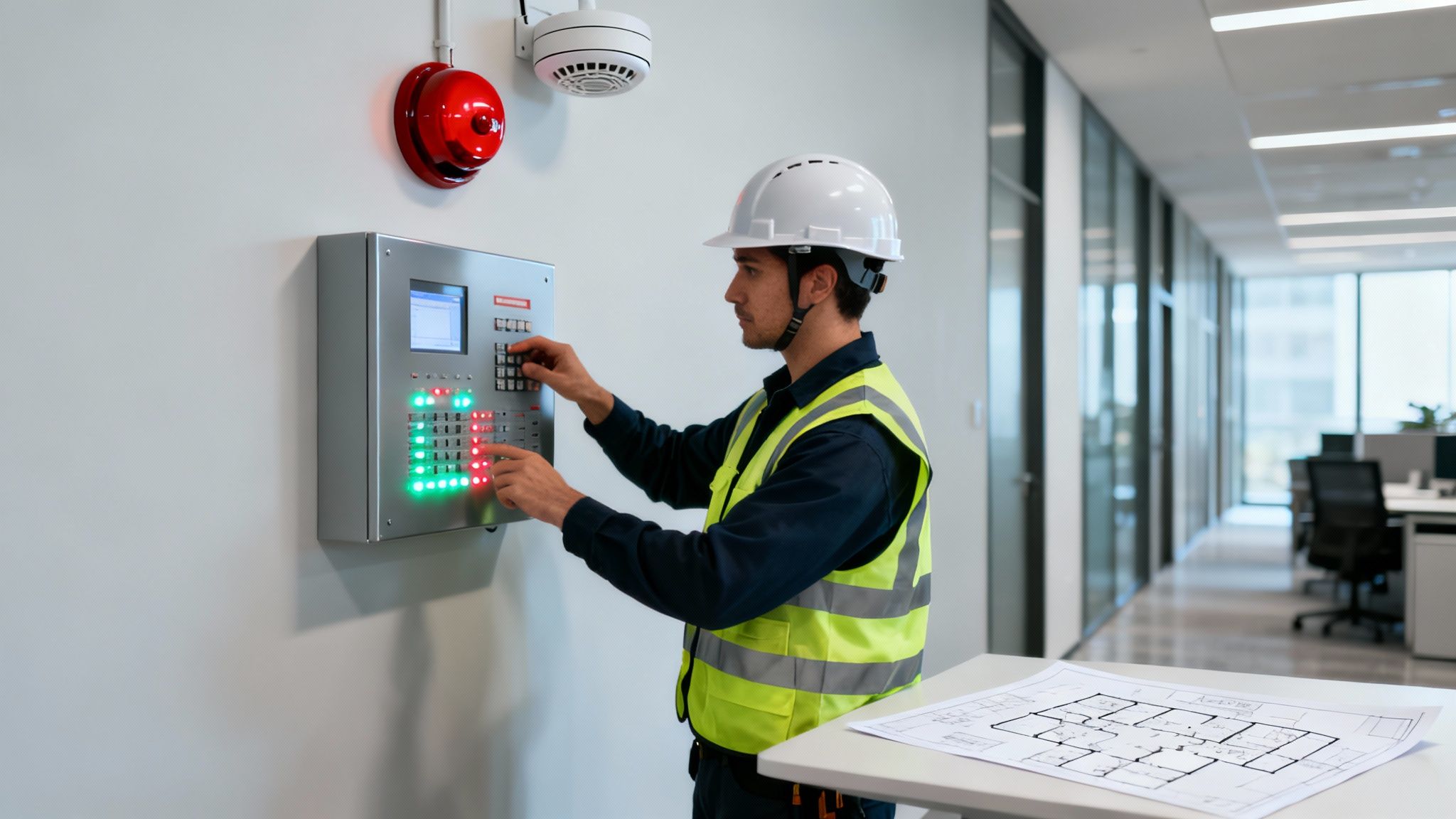
Think of an access control system as the school's digital gatekeeper. It goes far beyond the old-school lock and key, letting you manage exactly who can go where, and when. It’s a smart system that creates a secure, trackable, and controlled environment for pupils, staff, and visitors.
Building a Secure Foundation for Learning
In the past, school security might have just been a sturdy lock and a caretaker with a big bunch of keys. That's no longer enough. The safeguarding standards for modern schools demand a much more sophisticated approach. Today, a proper access control system for schools isn't a luxury; it's a core part of any credible safety plan and essential for meeting Ofsted requirements.
This system becomes the backbone of your daily operations and safety protocols. It works quietly behind the scenes, ensuring only the right people can get into sensitive areas like IT rooms, staff offices, or record archives, while keeping unwanted visitors out of the grounds entirely. This proactive security is crucial for protecting everyone—from pupils to teachers—and everything, including expensive school equipment.
Why Modern Schools Need Advanced Access Control
The benefits go way beyond just locking a door. A well-planned system gives you a full audit trail, logging every single time a door is opened—you know who, where, and when. This detailed information is gold dust for investigating incidents and for day-to-day management.
The main goals are straightforward:
- Enhance Pupil and Staff Safety: Create a secure perimeter that stops unauthorised people from getting in and keeps everyone on-site safe.
- Protect School Assets: Safeguard high-value items like computers, tablets, and confidential files from theft or damage.
- Improve Operational Efficiency: Automate how you manage access. This saves huge amounts of admin time and gets rid of the headache and risk of lost or copied keys.
By setting clear boundaries and monitoring who is moving around the site, access control does more than just secure buildings. It helps create a calm, orderly atmosphere where pupils can learn and staff can teach without worrying about external threats.
To really get the most out of it, many schools are now looking at integrating other technologies, such as AI Front Desk solutions for school operations, which can offer 24/7 support.
If you're thinking about how to modernise your school's security, it's worth getting a full picture of what's possible. To see how these systems can be designed for your specific needs, you can learn more about our specialised education security solutions.
Choosing the Right Access Technology for Your School
Picking the right access control system for your school isn’t just about choosing a new type of lock. It's about finding the perfect fit for your unique environment—one that balances the safety of your pupils with the day-to-day movements of your staff. From the main entrance to the server room, the goal is a secure, user-friendly system that just works.
This flowchart breaks down the decision-making process. It helps you think through whether your current security is up to the job or if it’s time to upgrade your access control.
As you can see, a clear-headed assessment is the first step. It’s what points you down the path of either maintaining what you have or investing in a more robust infrastructure.
Card and Fob Systems: The Go-To for Staff Access
For the vast majority of schools, proximity cards and key fobs are the backbone of a modern access control plan. It’s beautifully simple: each staff member gets a unique card or fob, and they just tap it on a reader to open a door. It's no surprise this method is so popular; it's reliable, straightforward, and cost-effective.
The real win here is on the admin side. If a teacher loses their fob, you can deactivate it from your central system in seconds. Gone are the days of changing locks and cutting new keys for the entire building. This makes managing access for a large team of teachers, support staff, and even temporary supply teachers a breeze. You'll find many door entry systems that integrate perfectly with this technology.
PIN Codes for Securing Shared Spaces
Keypads and PIN codes add another keyless security option, often used for rooms that don’t need individual tracking but still need to be locked down. Think of an IT suite, the staff room, or a department supply cupboard. You can issue a single code to a whole team, offering a simple way to control who gets in.
The obvious downside, of course, is that codes can be shared. A student might overhear it, or a well-meaning staff member might write it down somewhere insecure. Because of this, PINs are best kept for lower-risk internal areas, and you absolutely must get into the habit of changing the codes regularly.
Biometric Systems for High-Security Zones
When you need to be 100% certain who is entering an area, biometrics are the answer. These systems use unique biological markers—like a fingerprint, facial scan, or even an iris pattern—to confirm someone's identity. You can't lose, steal, or share a fingerprint.
In a school, this is your solution for protecting the real crown jewels: server rooms holding sensitive pupil data, the finance office, or science labs filled with expensive equipment. The upfront cost is higher, but for critical locations, the peace of mind and bulletproof security can be well worth it.
Mobile Credentials: The Future of Access
A fast-growing trend is using a smartphone as a virtual key. With mobile credentials, staff can use Bluetooth or NFC on their phone to tap a reader and gain entry. Let's be honest, people are far more likely to forget their keys than their phone these days, which makes this incredibly convenient.
This approach also opens up some fantastic management possibilities. Need to give a contractor access to the boiler room for two hours on a Tuesday? You can send temporary credentials straight to their phone, which automatically expire when the job is done. You'll need to consider your school's phone usage policies, but the operational benefits are hard to ignore.
To help you decide, here’s a quick comparison of how these technologies stack up in a typical school setting.
Comparing Access Control Technologies for School Environments
| Technology Type | Best Use Case in Schools | Key Advantages | Potential Considerations |
|---|---|---|---|
| Cards & Fobs | General staff access for all main entrances and internal doors. | Cost-effective, easy to manage, quick to issue and revoke. | Cards/fobs can be lost, stolen, or shared. |
| PIN Codes | Shared internal areas like staff rooms, IT suites, or resource cupboards. | No physical credentials to manage; low hardware cost. | Codes can be easily shared or forgotten; no individual audit trail. |
| Biometrics | High-security areas: server rooms, finance offices, exam storage. | Highest level of security; credentials cannot be shared or lost. | Higher initial cost; potential privacy concerns to address. |
| Mobile Credentials | Admin staff, visitors, contractors, and sixth formers. | Highly convenient; flexible remote management; easy to issue temporary access. | Relies on users having a charged smartphone; requires clear usage policies. |
Ultimately, the best access control systems for schools often mix and match these technologies. You might use fobs for most staff, PINs for common rooms, biometrics for the server room, and mobile access for visitors. It’s also worth remembering that physical security is only one piece of the puzzle. Understanding digital security concepts like Network Access Control (NAC) is vital for ensuring only authorised users and devices can get onto your school’s network, adding another crucial layer of protection.
Weaving It All Together: Your Integrated Security Ecosystem
An access control system is a fantastic tool on its own, but its real power is unleashed when it starts talking to your other security and management platforms. Think of it like creating a central nervous system for your school’s safety. Instead of having isolated systems that don't communicate, you're building a single, smart network that gives you a complete picture of your site in real-time.
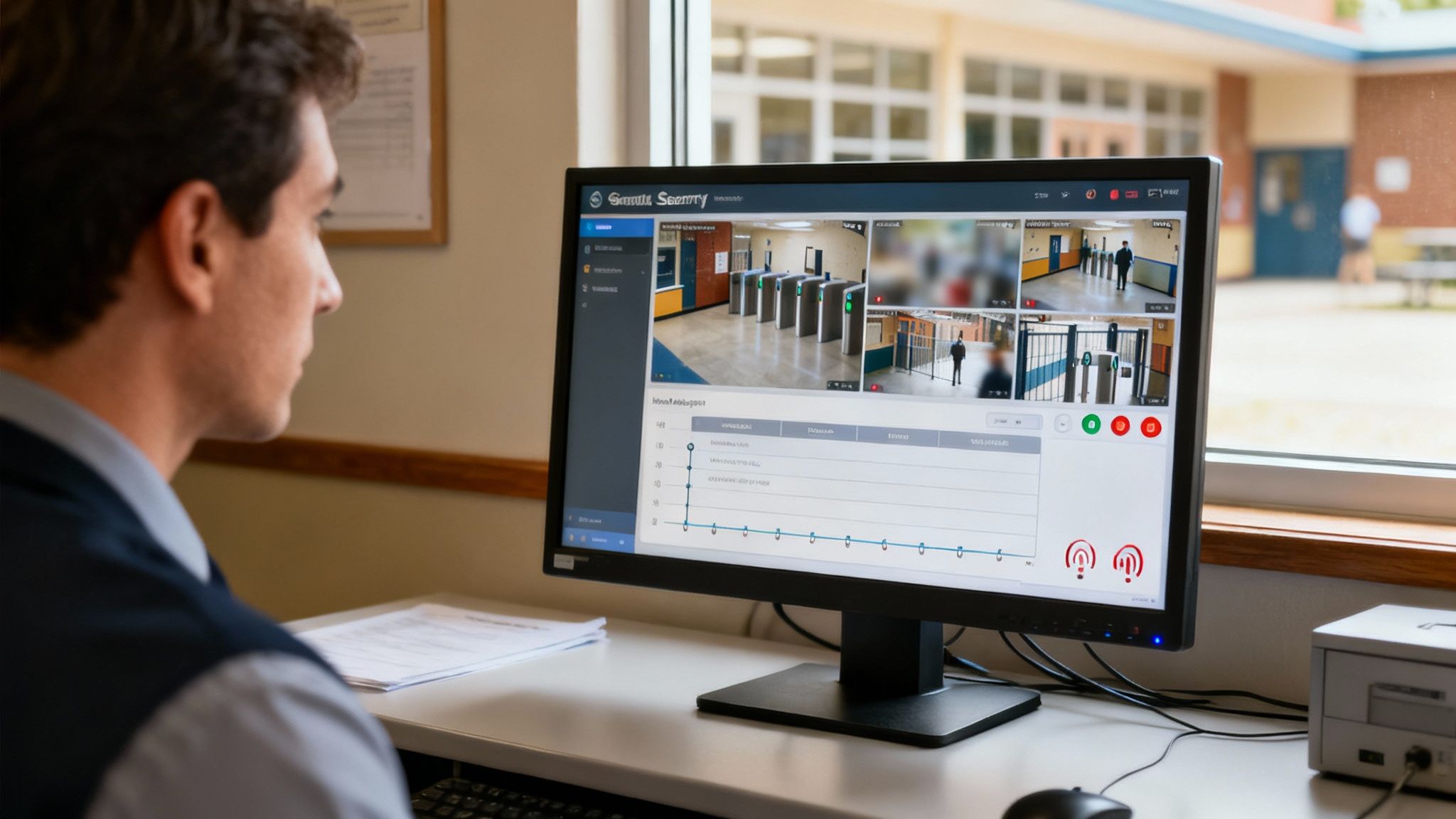
When your systems work in harmony, you get actionable intelligence, not just a series of disconnected alerts. A standalone system might tell you a door was forced open. An integrated one, however, can instantly pull up the CCTV footage of that door, trigger a site-wide alarm, and ping a notification to key staff members, all from one screen. This is the crucial jump from just watching things happen to actively managing them before they escalate.
This kind of joined-up thinking is more important than ever. It's a sobering fact that four out of five schools—a staggering 80%—reported crime incidents in a single year, according to a recent government survey on security breaches. With unauthorised entry being such a significant risk, old-fashioned locks and keys just don't cut it anymore. Modern access control systems for schools, as part of a wider security network, are vital for keeping pupils and property safe.
Linking Access Control with CCTV
Marrying your access control with your CCTV network is one of the most powerful moves you can make. It takes you from simply logging an event—"Door 4 opened at 9:15"—to visually confirming exactly what happened and who was involved. When a fob is presented or a PIN is entered at a reader, the system can be set to automatically bring up the video feed from the nearest camera on your screen.
The practical benefits are immediate:
- See What’s Happening: If an 'access denied' alert pops up, a quick glance at the video feed tells you if it’s a teacher fumbling with the wrong card or a stranger trying to get in.
- Slash Investigation Time: After an incident, you no longer have to scrub through hours of footage. You can simply filter for the door event and instantly find the linked video clips.
- Spot Tailgating: It’s much easier to catch someone slipping in behind an authorised person when you have a clear visual record of every entry.
This connection provides the vital context you need to make smart, fast decisions.
Automating Responses with Alarm Systems
The next logical step is to bring your intruder and fire alarms into the fold. This creates a system that can automatically respond in an emergency, executing pre-planned procedures to protect people and secure the building without anyone needing to lift a finger.
Picture this: an intruder alarm is triggered out of hours. The integrated system immediately locks down all external doors and key internal ones, containing the threat and buying precious time until the police arrive. This is automated lockdown, and it’s a game-changer.
The same principle applies to fire safety. If a fire alarm sounds, the system can instantly unlock all doors on designated escape routes. This guarantees that fire exits are clear and accessible, allowing for a fast, safe evacuation and ensuring you meet your fire safety obligations.
Streamlining User Management with MIS Integration
Let's be honest, managing who has access to what is a never-ending job for the admin team. New pupils enrol, staff come and go. It's a constant cycle. By integrating your access control system directly with your Management Information System (like SIMS), you can put this whole process on autopilot.
The efficiency gains are huge:
- Hands-Free Onboarding: Add a new teacher to your MIS, and the access system can automatically create their profile and assign the correct door permissions. No extra steps needed.
- Instant Offboarding: When someone leaves and is removed from the MIS, their key fob or access card is deactivated at the exact same moment. This plugs a massive potential security hole.
- Less Admin, Fewer Mistakes: Your IT and admin staff are freed from the tedious task of manually updating multiple databases, which also cuts down on the risk of human error.
By linking these essential systems, you’re not just tightening security; you’re making day-to-day school life simpler and safer. To see more on how these different technologies can be brought together, take a look at our deep dive into security system integration.
Getting to Grips with UK Compliance and Safeguarding
Putting a new security system in place is about much more than just picking the right hardware. You’ve got to navigate a complex web of legal and regulatory duties. For any school in the UK, an access control system isn’t just a security feature; it’s a core part of your legal duty of care. Getting this right is non-negotiable for protecting students, staff, and the school's standing in the community.
Think of a compliant system as being built on four crucial pillars. These aren't just best-practice suggestions; they are hard requirements that will come under the microscope during any inspection or audit. If even one of these pillars is weak, it can compromise your entire security investment and leave the school dangerously exposed.
Safeguarding at the Forefront
Let's be clear: safeguarding is the number one reason for any security measure in a school. Your access control system has to be a powerful tool that supports the principles set out in the government's 'Keeping Children Safe in Education' (KCSIE) guidance. In practical terms, this means your system must create a secure perimeter that robustly blocks unauthorised individuals from ever setting foot on school grounds.
When Ofsted visits, they will be looking for concrete evidence of how you control who comes and goes. A modern access control system gives you exactly that—a clear, digital log of every entry, proving you’re taking every reasonable measure to shield your pupils from harm.
A well-designed access control system is your safeguarding policy brought to life. It’s a tangible demonstration to inspectors, parents, and the community that you’re serious about creating a safe place for every child to learn.
Meeting Data Protection Obligations
The moment you install an access control system, you become a guardian of personal data. This could be a teacher's name linked to a key fob or, with more advanced setups, a pupil's unique fingerprint data. All of this information falls squarely under the UK General Data Protection Regulation (UK GDPR).
There's no room for error here. You must have a clear, lawful reason for collecting the data, it needs to be stored securely behind strong encryption, and you need firm policies on who can see it and why. Transparency is key—you need to be upfront with staff, students, and parents about what data you're collecting and how it’s being used.
Fire Safety is Non-Negotiable
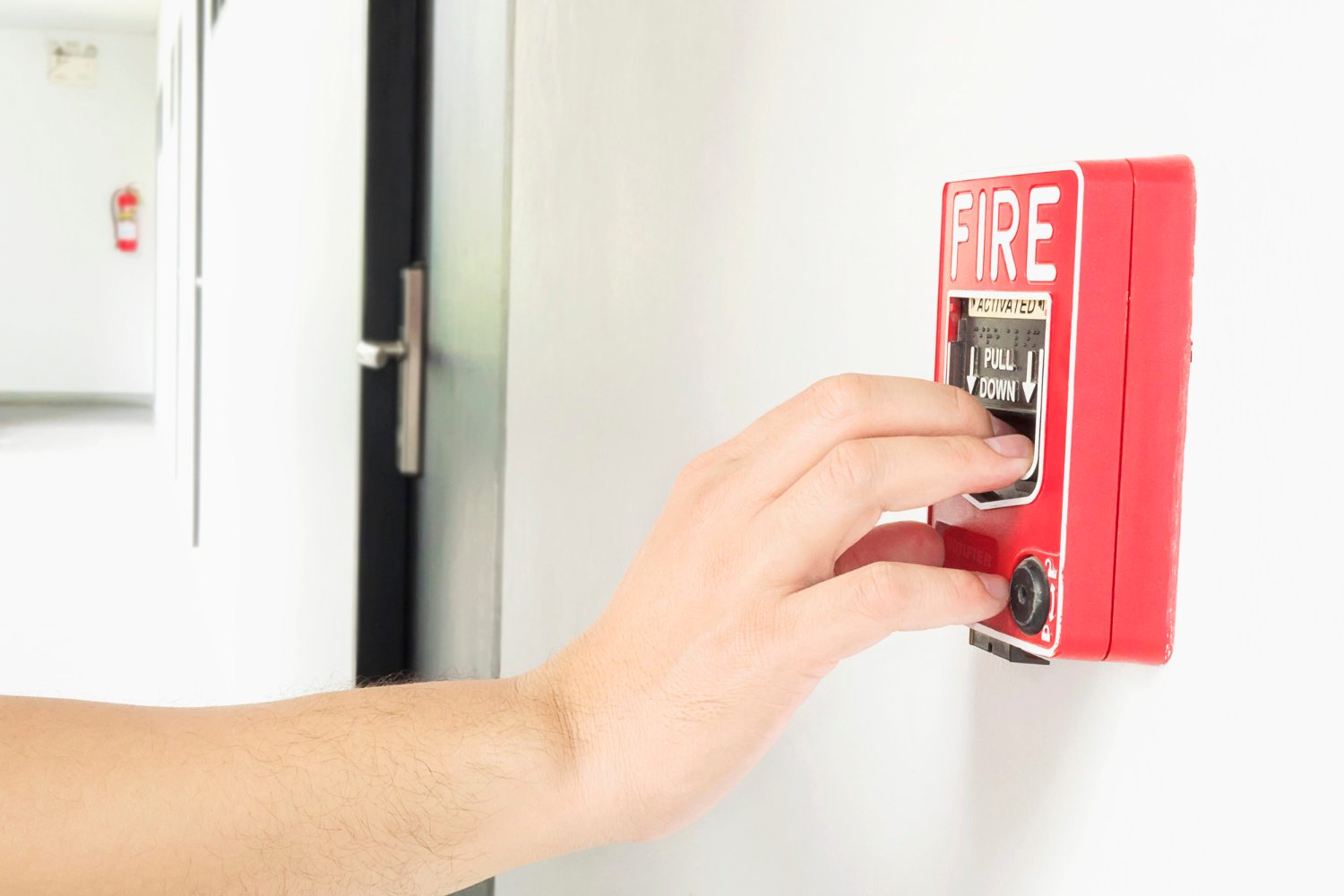
Locking doors keeps people out, but in an emergency, you need to let people out—fast. Your access control system absolutely must comply with UK fire safety regulations. The golden rule is that it must never, ever obstruct an emergency escape route.
This usually means fitting override mechanisms, like the familiar green "break glass" boxes, on any door that’s part of a fire escape path. Even better, modern systems can link directly to your fire alarm. If the alarm sounds, the system can be set up to automatically unlock all the critical doors, ensuring everyone can get out quickly and safely.
Ensuring Access for All
Finally, your security measures must reflect your school's commitment to being an inclusive environment. The Equality Act 2010 places a duty on schools to make "reasonable adjustments" so that no one with a disability is put at a disadvantage.
This has a direct impact on the access control hardware you choose and where you put it. You'll need to think about:
- Reader Height: Are card readers low enough for a wheelchair user to reach comfortably?
- Door Operation: Should you install automated door openers? Are manual doors light enough for everyone to manage?
- Different Ways to Enter: Can you offer alternatives like fobs or mobile phone access for people who might find PIN pads or certain biometrics difficult to use?
By building your plans around these four pillars, you'll end up with an access control system for your school that doesn't just make the site secure, but is also fully compliant with UK law. It’s a powerful way to reinforce that you take your duty of care to every single person on site seriously.
A Practical Plan for System Implementation
Bringing a security vision to life isn't about flicking a switch; it's about following a clear, manageable plan. A successful rollout of an access control system for schools depends entirely on careful planning and a phased execution that keeps disruption to the school day at an absolute minimum. Let's walk through a practical roadmap, taking you from the initial ideas to the final handover.
The real work starts long before the first wire is pulled or a single reader is installed. It all begins with a deep dive into your school’s unique layout, daily rhythms, and specific security weak points. Getting this foundational stage right is what makes the difference between a system that works and one that just gets in the way.
Stage One: The Site Survey and Risk Assessment
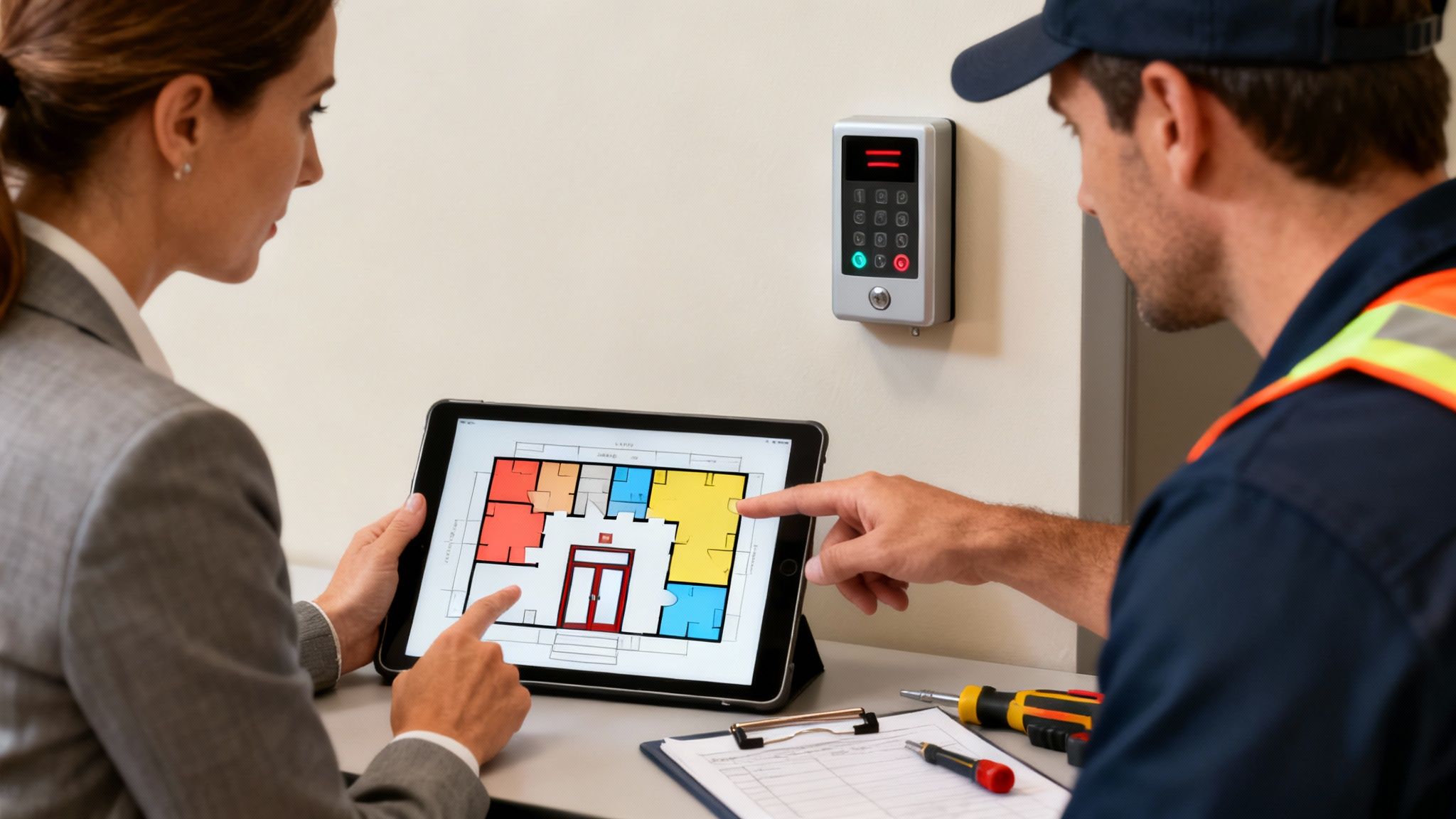
The first hands-on step is a detailed site survey and risk assessment. This isn't just a quick walk-around; it's a forensic analysis to map out every critical entry point. We're talking about everything from the main gate and reception to individual classrooms and high-value targets like IT server rooms.
During this phase, you need to identify and prioritise your security needs. Think about the flow of people throughout the day—pupils, staff, parents, visitors, and contractors. This analysis is key to figuring out where access needs to be locked down tight and where it can be more flexible.
Don't forget that a modern risk assessment must include cybersecurity. Physical access control is a crucial part of your digital defences, stopping unauthorised people from getting their hands on sensitive network hardware. With cyber threats on the rise in UK schools—a shocking 78% of which experienced at least one cyber incident in a 2023 audit—securing server rooms is no longer optional. Strong physical barriers are a fundamental part of a layered defence against network breaches, a point frequently emphasised in recent cybersecurity findings for the education sector.
Stage Two: Design and User Access Planning
Once the risk assessment is done, you can move on to the system design. This is where you create the detailed blueprint, specifying the type of technology for each door—whether that's a simple card reader, a keypad, or a biometric scanner. This is also the point where you define who gets in where, and when.
Think of access levels as personalised keyrings. A headteacher’s ‘keyring’ might open every door, whereas a part-time music teacher’s might only open the main entrance and the music block, and only during school hours.
This granular control is the real magic of modern systems. You'll want to map out different user groups and what permissions they need:
- Senior Leadership Team: Unrestricted access, 24/7.
- Teaching Staff: Access to communal areas, staff rooms, and their specific department zones during operational hours.
- Administrative Staff: Access to reception, offices, and secure record storage areas.
- Site and Cleaning Crew: Out-of-hours access to all necessary parts of the building.
- Sixth Form Pupils: Limited access to designated areas like common rooms, libraries, or specific study halls.
Stage Three: Phased Installation and Training
With a solid plan in place, the physical installation can finally begin. For any school, a phased approach is almost always the sensible choice to keep disruption to a bare minimum. This could mean tackling the external perimeter doors during a half-term break, then moving on to internal zones over weekends or after school hours.
Clear communication with staff and pupils is absolutely vital during this period. Let everyone know what’s happening and when.
Once the hardware is in, the final, crucial step is comprehensive training. Your team needs to understand more than just how to use a fob or card. They need to be confident managing the system software, adding or removing users, and running reports. A proper handover ensures your school can take ownership of its new, secure environment from day one.
Getting the Best Long-Term Value from Your Investment
Putting in a new access control system is a major capital spend for any school, so it’s only right to ask what you’re really getting for your money over the long haul. The true return on investment (ROI) goes way beyond the initial price tag; it's woven into the very fabric of your school's daily life and its financial stability.
If you only look at the upfront cost, you're missing the bigger picture. A well-chosen, properly managed system isn't just a one-off purchase; it's a sustainable asset that delivers value day in, and day out. You'll feel the benefits not just in the budget, but in the overall atmosphere and smooth running of the school.
Calculating the True Return on Investment
Working out the actual ROI for access control systems for schools means looking beyond just pounds and pence. Of course, the financial wins are important, but it's often the less tangible benefits that make the most convincing argument for the investment.
The financial returns are usually the easiest to spot and track:
- Less Theft and Vandalism: Simply having a secure perimeter and the ability to see who went where is a huge deterrent. This directly cuts the costs of replacing stolen equipment or repairing mindless damage.
- Lower Insurance Premiums: Many insurers look kindly on schools that take security seriously. A professionally installed and maintained access control system can often lead to more favourable premiums.
- No More Locksmith Bills: Think about how much is spent changing locks and re-cutting keys every time someone loses one. With a card or fob system, that recurring expense completely disappears.
But the intangible gains are just as critical. Things like staff feeling genuinely safer at work, or the school building a rock-solid reputation for safeguarding in the community. That kind of confidence can have a real impact on everything from parent choice to pupil enrolment.
A modern access control system is far more than a security gatekeeper. It's an investment in your school's operational efficiency, its reputation, and the wellbeing of every single person on site. Its long-term value is measured in both financial savings and a safer, more confident learning environment.
Securing Assets in a Digital Age
Protecting physical equipment has become more important than ever, especially with the reliance on technology for learning. We're seeing more and more UK schools adopt better access controls to enhance safety and protect these valuable tech assets. This is especially crucial when you consider that, according to the Digital Youth Index, 14% of young people don't have access to a learning device at home.
This makes the equipment your school provides absolutely vital. Protecting the nine in ten laptops available across our primary and secondary schools is non-negotiable. You can dig deeper into these findings by reading the full report on the Digital Youth Index.
The Importance of Maintenance and Monitoring
To make sure your system keeps delivering value for years, professional maintenance isn't a "nice-to-have"—it's essential. Regular servicing keeps everything, from the door readers to the software, running as it should. It stops small glitches from turning into major security headaches.
A planned preventative maintenance (PPM) schedule is the best way to handle this. It ensures:
- System Reliability: A technician can spot and fix wear and tear on readers, locks, and control panels before they fail, preventing disruption.
- Software Updates: Just like any other software, your system needs regular updates to patch security holes and ensure it continues to work smoothly with other platforms it's linked to.
- Longevity: A well-cared-for system will last significantly longer, which means you get more out of that initial investment.
Adding professional monitoring provides another crucial layer of security, giving you 24/7 oversight. This means any critical alert—like a forced door or someone tampering with a reader—gets an immediate response. It turns your system from a passive barrier into an active security shield.
Your School Access Control Questions Answered
When you're looking into a new security system, it’s only natural that a lot of questions pop up. To help you get to grips with the essentials, we’ve put together some straightforward answers to the questions we hear most often from school leaders and business managers.
What’s the Ballpark Cost for a School Access Control System?
This is the big question, but there's no one-size-fits-all price tag. The final cost really boils down to your school's specific situation. We need to consider the size of your site, how many doors you want to secure, and the type of technology you're interested in. A simple fob reader system, for instance, will cost less than a sophisticated biometric one.
As a rough guide, a basic setup for a small primary school might start from a few thousand pounds (£). On the other hand, a comprehensive, multi-site system for a large secondary school or a sprawling college campus is a much bigger project and will require a more significant investment. The only way to get a firm figure is to have a proper site survey done. That process gives you an accurate quote covering all the hardware, software, installation, and any ongoing support.
It's helpful to think of this not just as a cost, but as a long-term investment in safeguarding. A good quote from a trusted provider will break everything down for you, so there are no hidden surprises and you know the solution is right for your budget and your security goals.
Can We Link a New System with Our Existing Security?
Absolutely. In fact, that’s one of their biggest strengths. Modern access control platforms are built to play nicely with other security systems, creating a unified and far more effective safety net for your entire school.
Think about it this way: connecting your access control to your CCTV means you get immediate visual confirmation of who's coming through a door. If an alarm goes off, the right camera feed can pop up automatically. It also works brilliantly with fire and intruder alarms. For example, the system can be programmed to automatically unlock all fire escape doors the moment a fire is detected, or trigger an instant lockdown if an intruder alarm is activated after hours.
Are Biometric Systems GDPR Compliant in the UK?
Yes, they can be, but you have to get it right. Systems that use fingerprint or facial recognition are perfectly legal under UK GDPR, as long as they are implemented with a strict focus on data protection. Biometric data is what’s known as a 'special category' of personal data, which means it needs the highest level of protection.
To stay on the right side of the law, schools must:
- Get Explicit Consent: You need clear and direct consent from staff members or parents (on behalf of pupils) before you collect and process their biometric information.
- Have a Lawful Basis: You have to clearly document why processing this sensitive data is necessary for your school's security.
- Store it Securely: The data must be encrypted and protected with strong controls to prevent anyone from accessing it without authorisation.
Any professional security partner worth their salt will walk you through the necessary data protection impact assessments and help you draft the right policies. This ensures your use of biometrics is not only effective but fully compliant.
Ready to create a safer, more secure environment for your pupils and staff? The expert team at Amax Fire & Security Ltd can design and install a bespoke access control system that meets your school's unique safeguarding and operational needs. Contact us today for a no-obligation site survey and discover how we can help.